Mobile first impression
Small text, crowded sections, and a dated hero make the company feel less current than the work it does.
Website Rescue demo
This fictional HVAC example shows how we explain the rebuild: the audit findings, the rebuilt homepage structure, and the clearer quote path on the new site.
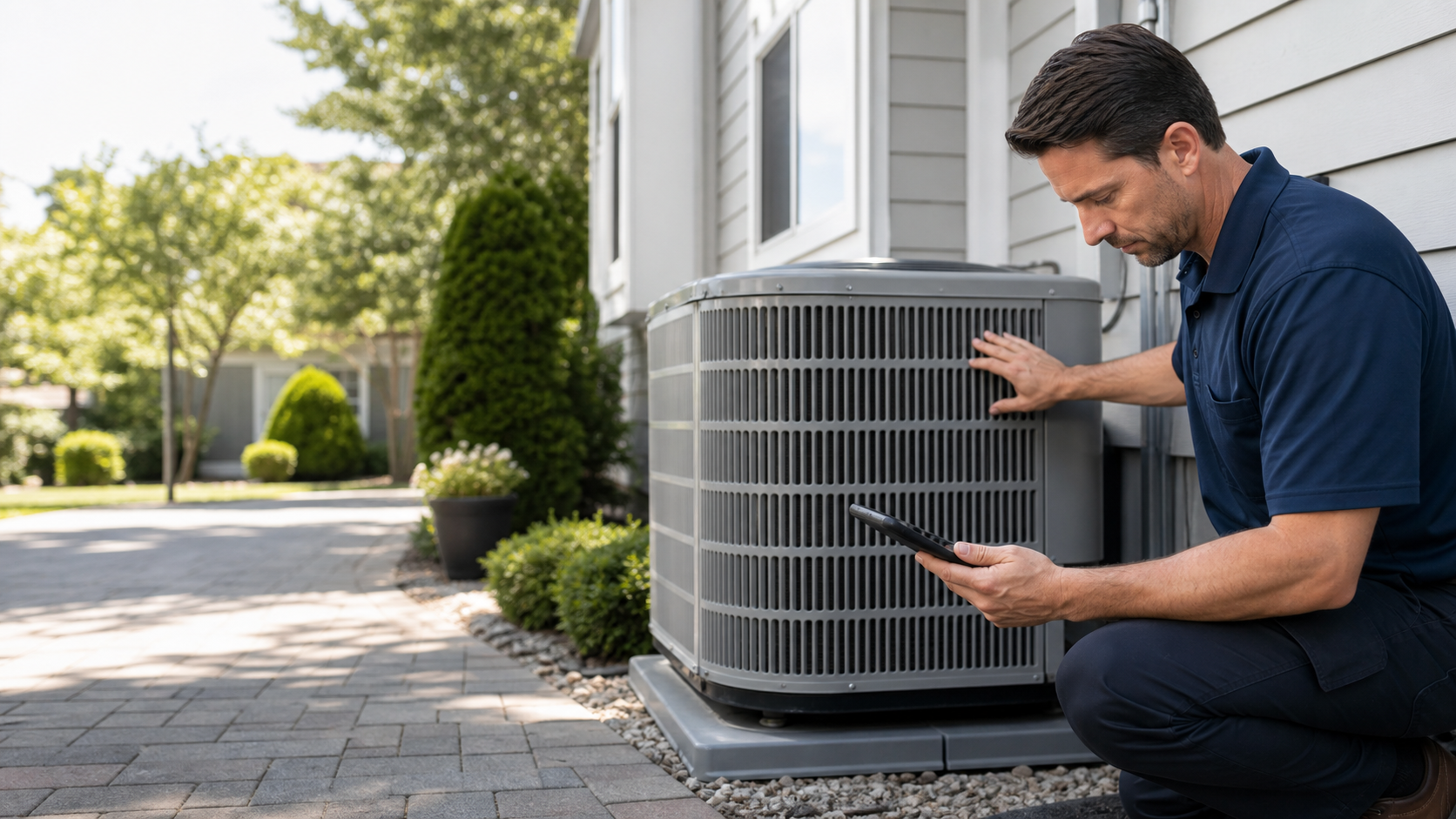
Before the rebuild
The point is not to embarrass the old site. It is to show what might be making a good business harder to trust, call, or request a quote from on mobile.
Small text, crowded sections, and a dated hero make the company feel less current than the work it does.
The phone number is visible, but the quote request path is buried below several competing links.
Reviews, financing notes, maintenance plan details, and service-area proof are not near the decision points.
The form can send an email, but the page does not clearly set expectations for what happens after the request.
After the rebuild
A Website Rescue build should be simple enough to deliver repeatedly: strong headline, obvious actions, service clarity, reviews, photos, and a short form that routes somewhere visible.
HVAC repair, replacement, and maintenance
Cooling issues, diagnostics, and urgent service requests.
Clear options for aging equipment and installation timing.
Seasonal tune-ups with reminders before peak weather.
Recent reviews, service-area proof, and team photos appear before the form.
Credibility moves close to the quote action instead of living on a separate page.
One short form collects the job type, location, timing, and best contact path.
Launch basics
For the current offer, the build stays focused on the website itself: a clear form, useful request details, a tested destination, and a handoff note the owner can understand.
The form asks only for the details needed to route the request.
The right inbox receives a clear summary with contact details.
The launch checklist confirms the form submits cleanly and reaches the expected destination.
The business receives plain notes for checking requests and keeping the website current.
Starter package
The demo supports a focused Website Rescue package: one practical rebuild, one primary CTA, one form path, launch QA, and an optional monthly care path after the site is live.
Start with the audit
The next step is to review 10 real local service websites, write short audit notes, and manually test which message earns replies.