Demo agenda
- Start with the inbound lead.
- Show what happens when the team does not reply.
- Send an owner alert with context.
- Draft a response and log the follow-up.
- Review weekly visibility.
Product demo
A real-world walkthrough using a home-service lead: capture, escalation, reply draft, CRM note, and dashboard visibility.
AC not cooling, wants same-week visit.
Arrived 12:08 PM, no team response after five minutes.
Send customer details, need, source, and quick reply draft.
Visible result
The page makes the product tangible: not vague AI, but a concrete operating loop that responds faster than the old process.
Book walkthrough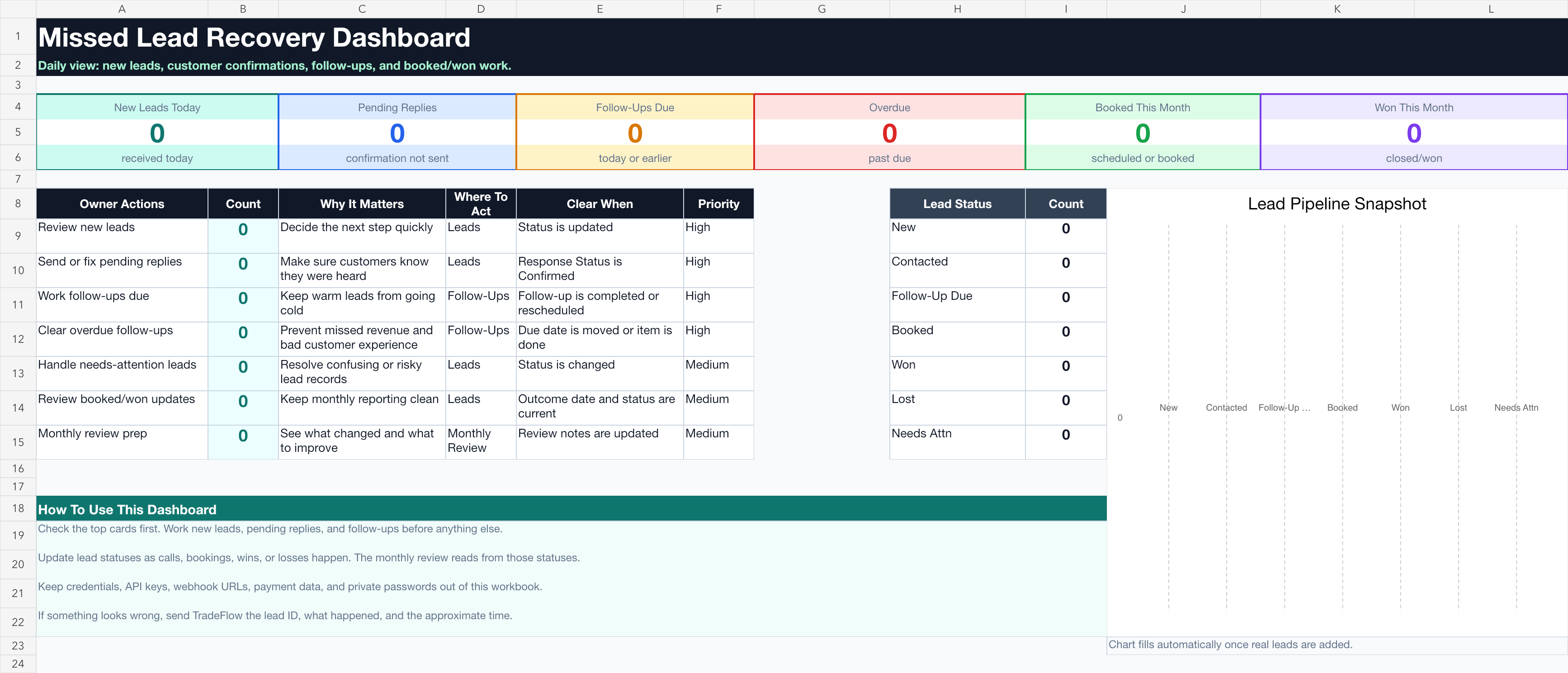
Questions
The walkthrough should answer practical objections before a business books time.
Usually, yes. The first walkthrough maps where leads arrive and where notes should land.
The owner, dispatcher, office manager, or sales lead depending on urgency and source.
The threshold is defined during setup, usually based on source, urgency, and response time.
Approved copy, safe access, a clear owner, and a test lead path before launch.
Bring your intake process
We will look at where leads arrive and show what the first workflow should catch.